ETH wallet: imToken on Mobile

imToken [1] is an excellent multi-chain digital asset wallet APP for iOS and Android, supports Voken, Ethereum, Bitcoin, and EOS.
Installation
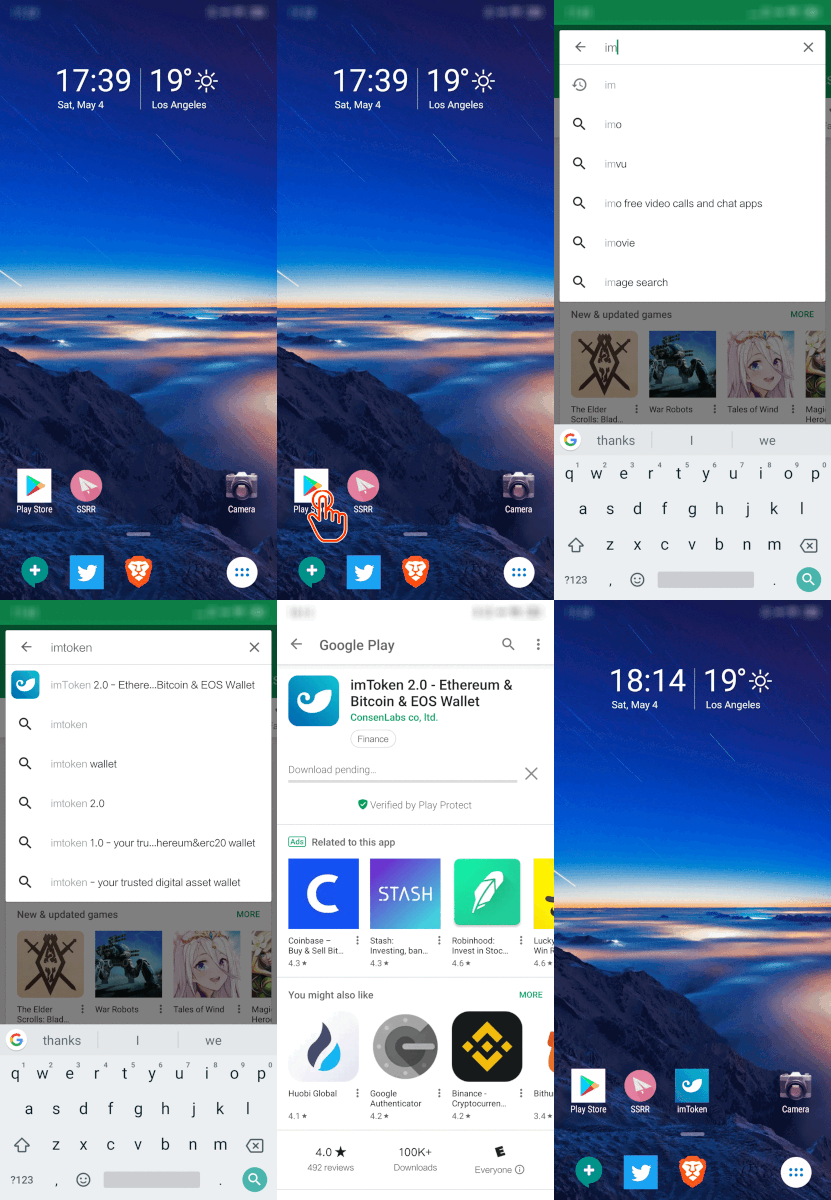
Search imToken in APP Store, and install it.
Note
imToken might not be downloaded by iOS system in APP Store in some regions, You can try to switch the region of Apple ID to download, or select other wallet such as Tokenary.
Create a new wallet
If this is your first time using imToken [1], you need to create a new wallet as shown below.
Write them down ON THE PAPER is recommended.
From a security point of view, even if you save plain text on your computer or mobile phone, it is not guaranteed to be safe.
So, write them down on the paper, and keep it safe.
With these phrases, you can restore this wallet or reset the password via imToken [1].

Send ETH
#TODO